Every Screen. Every Location. Managed From One Place.
Clinicast helps organizations manage their displays, content, announcements and media players across every location — from clinics and cafés to retail stores and corporate offices — from one simple platform.
Good afternoon
Meridian Group
Locations
12
Screens
31
Online
29
Offline
2
Location Health
4 of 12 shownRiverside Medical Clinic
4 screens
Harbour View Café
2 screens
Ironwood Fitness Studio
3 screens
Northgate Retail Flagship
6 screens
Screen Status
Clinic Waiting Room TV
ONLINEPlaying: Fall Flu Campaign
Café Menu Boards
ONLINEPlaying: Fall Drinks Promo
Front Desk Screen
OFFLINELast seen 18 minutes ago
Front Desk Screen has been offline for 18 minutes.
Ironwood Fitness Studio · Front desk
Quick Actions
One dashboard for every location, screen and player — clinics, cafés, stores and offices.
More Than Digital Signage
Most signage platforms stop at content. Clinicast also helps administrators manage the devices delivering that content.
Clinicast
Everything You Need to Manage Your Screens
From content to devices, Clinicast brings the full stack of signage management into a single, calm interface — whatever industry you're in.
Clinicast Studio
Describe a screen in a sentence and AI designs it, on brand and ready to publish. Pro plan.
Centralized Content Management
Create, upload and manage content from one dashboard.
Playlist Management
Organize videos, images, announcements and company information into playlists.
Weather & Multi-Zone Layouts
Live local weather on every plan, plus split-screen layouts that show several things at once with Pro.
Calendar Slides
Add your events once. Screens show them as a month, a list, the week or today, and update by themselves, with each of today's events in the spotlight. Pro and Network plans.
Smart Scheduling
Schedule by date for the whole organization or one screen. Pro adds time windows and repeats; Network adds location targeting.
Multi-Location Management
Control an entire network of locations across cities and sectors from one place. Network plan.
Device Monitoring
See whether every screen and Player is online. Pro adds detailed health and diagnostics.
Remote Device Management
Refresh content, restart Players, reboot devices and troubleshoot remotely. Pro plan.
Secure Player Enrollment
Install a Clinicast Player with one line. It appears in your dashboard for approval, with no codes to type or share.
Automatic Playback
Players start on their own and go straight back to playback after a restart.
Keeps Playing Offline
Content is stored on the Player, so screens keep playing if the internet drops.
Role-Based Access
Give each person the right role, for the whole organization or only their locations. Network plan.
Ticker Messages
Scrolling notices along the top or bottom of selected screens for closures, reminders and updates, with optional start and end dates. Pro and Network plans.
Playlist Approvals
Head office can require approval before new or changed playlists go live. Network plan.
Reports & Proof-of-Play
See what played, where and when, and compare locations side by side. Network plan.
From Box to Broadcast in Four Steps
Connect
Connect a Clinicast Player to your display and network.
Install
Run the one-line install. The Player shows up in your dashboard automatically.
Approve
Approve the device from the Clinicast administrator dashboard.
Publish
Assign content and playlists. Clinicast takes care of the rest.
See Clinicast in Action
Images, video, live weather, event calendars and multi-zone layouts, sent to any screen from one dashboard. Pick a card and watch the TV change — no one needs to touch the television.
Content Library
Lobby TV · Riverside Medical Clinic
Scrolling ticker
Pro and Network plans
Protect Yourself This Fall
Flu vaccinations now available. Walk-ins welcome Monday–Friday.
Publish once. Clinicast delivers the content to the selected screen automatically.
Describe it. Studio designs it.
Menu boards, sale windows, class schedules, staff notices or waiting room screens. Clinicast Studio turns a sentence into a finished, on-brand design, ready for your screens. Included with Pro and Network.
Studio · Riverside Medical Clinic
Flu Shot Clinic
What would you like to design?
Screen format
Design style
Refine this design
Before creating, Studio asks you to confirm the request contains no patient-identifiable or private health information.
Walk-ins welcome · Mon–Fri, 8 AM – 6 PM
Edit design
Free
Click any text on your design to change it.
Describe it, Studio designs it
Type what the screen is for. Studio creates a finished design sized for your screens.
On brand, every time
Your Brand Kit logos and colours, plus images from your Content Library.
Change the words yourself
Click any text to fix a time or a price. Text edits are free and don't use AI credits.
One Platform. Every Industry.
Clinicast is trusted in healthcare and built to work everywhere else screens live. Same calm dashboard, same reliable players — tailored to how your sector operates.
Healthcare
Waiting rooms, patient education, reception notices and multi-clinic networks — the vertical Clinicast was born in.
Retail
Window displays, in-store promotions, seasonal campaigns and product messaging across every store.
Restaurants & Cafés
Menu boards, daily specials, promotions and ordering instructions — updated centrally, in seconds.
Corporate & Offices
Lobby screens, internal communications, company updates and employee announcements.
Fitness & Wellness
Class schedules, trainer spotlights, membership offers and motivation loops on every floor.
Education
Campus announcements, event schedules, wayfinding and emergency notices across every building.
Plug In. Enroll. Start Displaying.
Clinicast Player is a compact managed device that connects to a compatible TV or display, turning it into a centrally managed Clinicast screen.
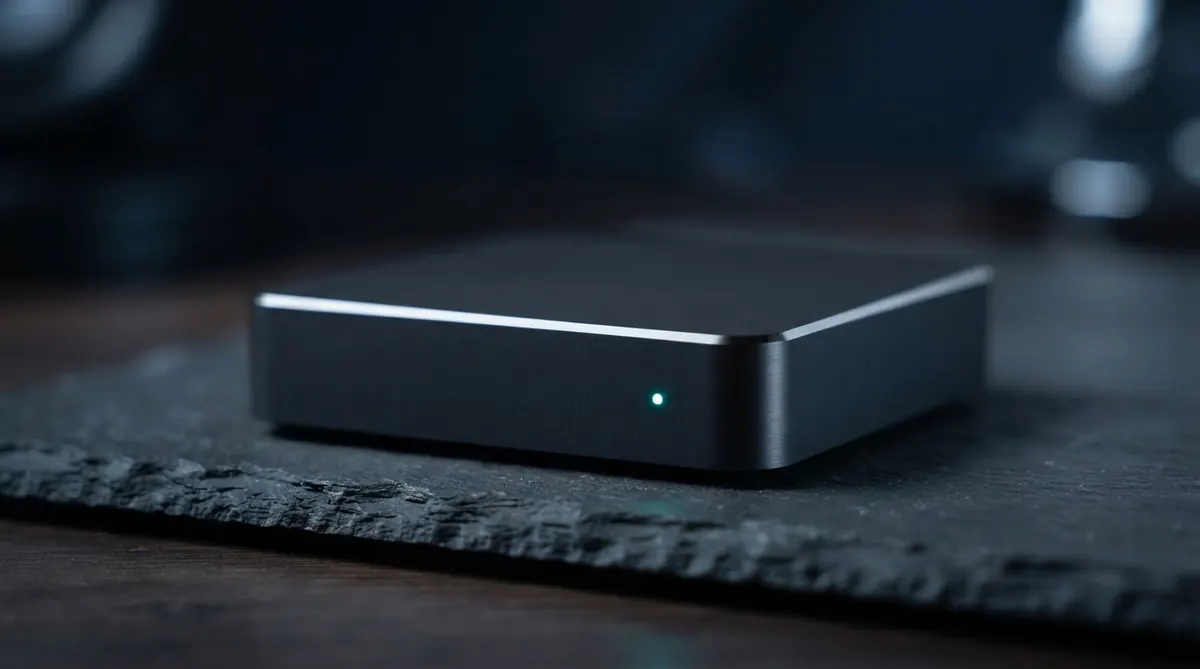
Illustration only. Managed Player hardware supplied by Clinicast may look different.
Know What's Happening With Every Screen
Clinicast gives administrators visibility and control without requiring someone to visit each site.
Device Details
Player Actions
One Platform. Every Location.
Head office schedules content for every location, or just one. Location Admins look after their own screens and local content. Available on the Network plan.
Organization
Meridian Group
- Reception Display CLP-000014
- Waiting Room TV CLP-000015
- Hallway Portrait CLP-000016
- Staff Room Screen CLP-000017
Each Screen is paired with one Clinicast Player.
New Schedule
Choose a playlist and where it should play.
Playlist
Applies to
Location
Dates
Turn Your Screens Into an Opportunity
Participating locations may offset part of their Clinicast subscription through approved local sponsorships.
Sponsored Content Limit
10%
Monthly Credit
$24.50
Category Controls
Your Screens Should Be Easier to Manage.
Whether you operate one location or a network spanning clinics, stores and offices, Clinicast gives you one place to manage your displays, devices and content.