Digital Signage in Edmonton and Across Alberta
Clinicast is digital signage software from Telliswall, a Canadian company based in Leduc. Manage every TV and display in your clinic, office, store or restaurant from one simple dashboard, with Canadian-dollar pricing and local help when you need it.
Local digital signage, without the hassle
Most digital signage software is built and supported from far away. Clinicast is built and operated by Telliswall from Leduc, just south of Edmonton, for organizations that want their screens to simply work.
Update a waiting room TV, a lobby welcome screen or a menu board from any browser. Content plays from the Player's own drive, so your screens keep running even when the internet doesn't.
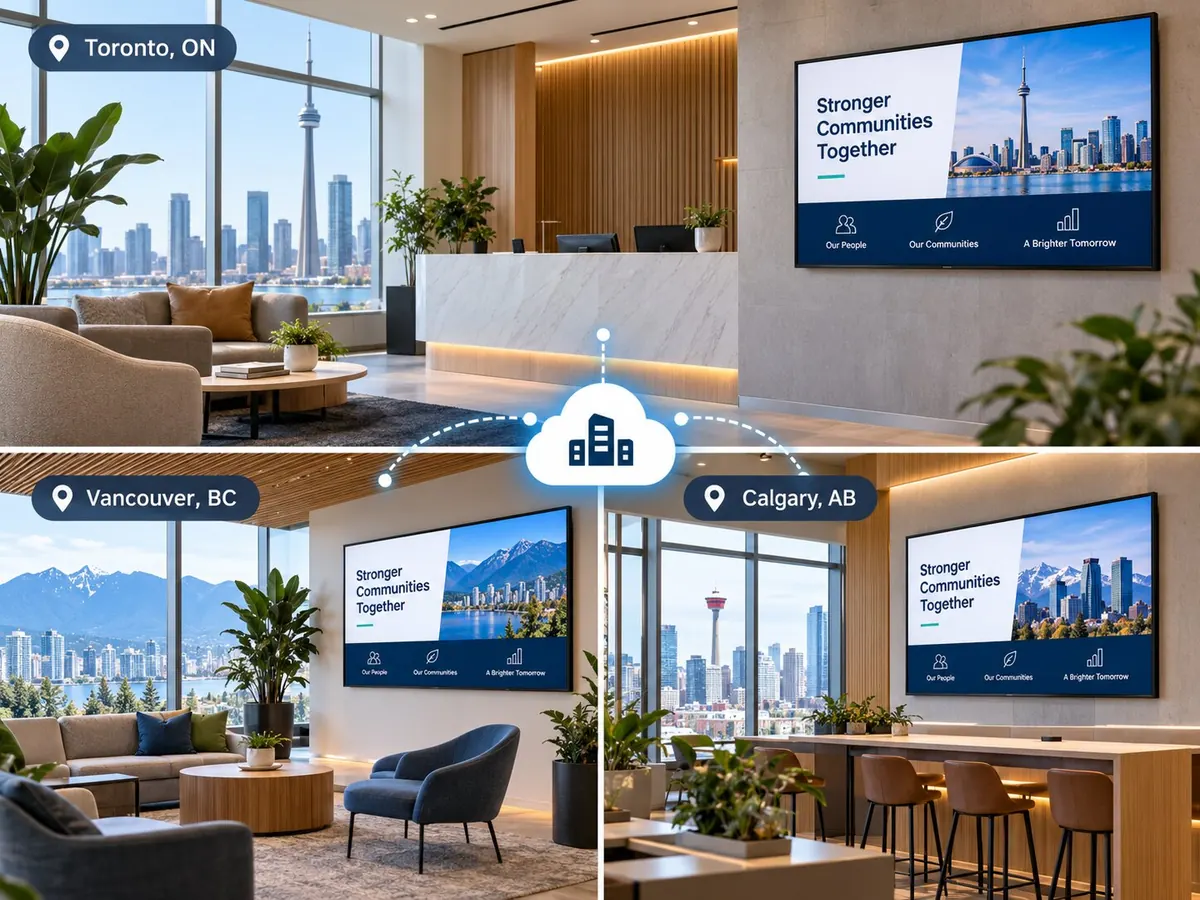
Who we work with in the Edmonton region
Why Alberta organizations choose Clinicast
Based in Leduc
Telliswall is a Canadian company. Clinicast is built, operated and supported from the Edmonton region.
On-site help in the Edmonton region
On-site installation and support visits are available in Edmonton, Leduc, Nisku, Beaumont, St. Albert, Sherwood Park, Spruce Grove and nearby communities, quoted separately.
Ready-to-go Players anywhere in Alberta
With Managed Player, your Player arrives set up for your organization. Plug it in, join Wi-Fi from your phone and approve it in your dashboard.
Hosted in Canada
The Clinicast database and file storage are hosted in Canada. See our Privacy Policy for the service providers we use.
Canadian-dollar pricing
Public prices are in Canadian dollars per Screen, from $12 a month on Essentials with annual BYOD billing. No per-user fees.
Remote support you control
Most screen problems can be fixed from our side. An Organization Admin approves each support session, and every session ends on its own.
Local weather on screen
Live weather slides with forecast and air quality, with local city photos.
AI-designed slides
Clinicast Studio turns a plain-language description into an on-brand screen design.
Untagged features are in every plan. See all features
From box to screen in four steps
- 1
Choose your hardware
Use compatible hardware you already have (BYOD), or let us supply a Clinicast Player that arrives set up for your organization (Managed Player).
- 2
Plug it in
Connect the Player to your TV with HDMI, then plug in a network cable or join Wi-Fi by scanning the QR code on screen with your phone. No keyboard needed.
- 3
Approve it
The Player appears in your dashboard. An admin approves it and chooses which Screen it powers.
- 4
Publish
Add images, videos and slides to a playlist. The screen updates on its own, and keeps playing your latest content even if the internet drops.
Frequently asked questions
Where are you located?
Telliswall, the company behind Clinicast, is in Leduc, Alberta, just south of Edmonton.
Do you install screens on site?
Yes, in the Edmonton region, including Edmonton, Leduc, Nisku, Beaumont, St. Albert, Sherwood Park and Spruce Grove. On-site installation and visits are quoted separately. Elsewhere in Alberta, Managed Player arrives set up so you can plug it in yourself, and most problems can be fixed remotely.
Can I use the TVs I already have?
Yes. Clinicast works with your existing TVs: the Clinicast Player connects to the TV with HDMI. You can supply compatible Player hardware yourself (BYOD) or have Clinicast supply a Managed Player.
Where is our content stored?
The Clinicast database and file storage are hosted in Canada. Each Player also keeps a copy of its content on its own drive so it can keep playing offline. Our Privacy Policy lists the service providers we use and where they may process information.
How much does it cost?
Clinicast is priced per Screen in Canadian dollars, from $12 a month on Essentials with annual BYOD billing, plus a one-time implementation fee per Location. See the Pricing page for every plan and option.
Talk to a Local Digital Signage Team.
Tell us about your screens and locations. We'll show you Clinicast running and help you choose the right setup.